Your whole business in one Notion workspace.
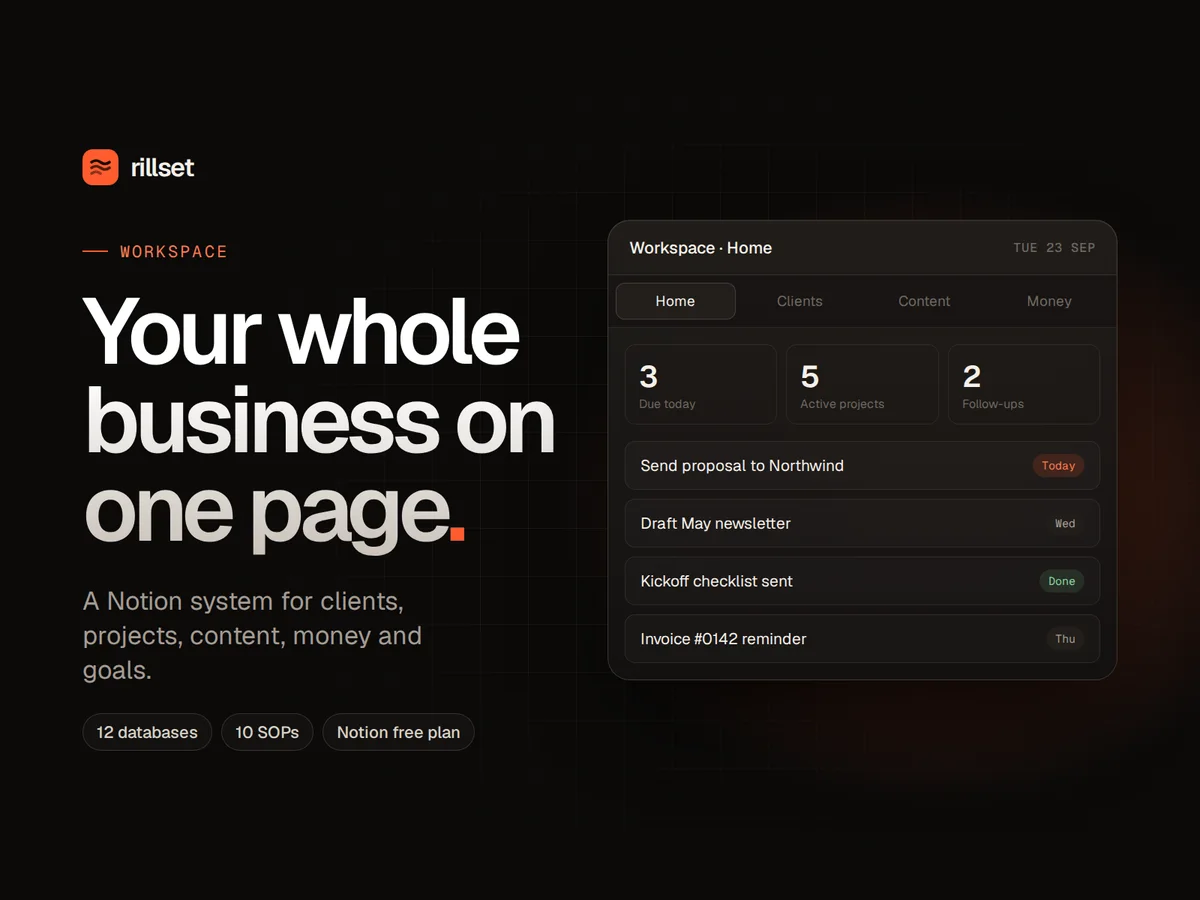
Clients, projects, tasks, content, invoices, money and goals in one connected system, with a home dashboard that shows what matters today. Works on Notion's free plan.
From scattered to sorted.
Client details live in your head and three apps.
One pipeline holds every lead and client, from first message to paid, with a follow-up date on each.
Monday starts with rebuilding your to-do list.
The Home dashboard shows today's tasks, follow-ups, deadlines and unpaid invoices the moment you open it.
You're not sure you're actually making money.
The money tracker shows income, expenses, profit and a tax set-aside, month by month.
Invoices get forgotten.
Every invoice is tracked as draft, sent or paid, and days overdue count up on their own.
Content ideas vanish.
A content calendar takes each idea from draft to published, linked to your goals.
Everything depends on you remembering.
Ten ready-written SOPs capture how things get done, so nothing lives only in your head.
The 10 SOPs included
Replying to a new inquiry
Onboarding a new client
Running a kickoff call
Handing over and closing a project
Sending and chasing invoices
Monthly money check
Weekly content batch
Weekly review
Asking for testimonials
Daily inbox zero
Everything you get.
- 12 connected Notion databases: clients, projects, tasks, content, invoices, money, goals, meetings, SOPs, reviews, a knowledge base and daily habits
- A Home dashboard: my day, open deals and follow-ups, active projects, upcoming content, unpaid invoices, income vs expenses and current goals
- Clients pipeline linked to projects, invoices and meetings, with total billed calculated for you
- Projects with progress bars, a timeline view and budgets
- Weekly and monthly review templates
- A user guide and a one-page quick start
Before you start.
Does it work on the free Notion plan?
Yes. Everything works on Notion's free plan. Some plans limit blocks or guests, which a one-person business rarely reaches.
How do I get it into my Notion?
Your download includes a link. Open it, click Duplicate, and it's copied into your own Notion. Then follow the Quick Start inside.
Can I change it to fit my business?
Yes. Rename stages, categories, areas and habits, add properties, or delete what you don't need. It's yours.
Does it work with Rillset Automate?
Yes. SOPs marked "Can be automated" have a matching Automate workflow, and both use the same stages for leads and clients.
Can my team use it?
It's designed for one person or a small team. To assign work, add a Person property to Tasks. The licence covers one business.
What if it doesn't work for me?
Email hello@rillset.com within 14 days of purchase and tell us what didn't work. We'll help you fix it, and if we can't, we'll refund you. See the refund policy.
Get Workspace for $49.
One payment, instant download. Or get all three systems in The Set for $197.